
MidJourney, the image generation tool driven by artificial intelligence, has recently released an alpha-version of its latest iteration, V6. This updated release introduces expanded capabilities, allowing users to input longer prompts, achieve heightened levels of detail, and add text to photos. And it’s incredible.
Since its initial introduction to open beta in July 2022, MidJourney has demonstrated consistent and remarkable advancements in both the quality and precision of the images it produces, with each subsequent release far surpassing the previous. The latest update has been in the works for some time, with select groups of subscribers testing and comparing its output to help fine-tune it.
MidJourney faces growing challenges from rivals such as OpenAI's DALL-E 3, which boasts the ability to generate text - V6 is intended to be an answer to the competition. Additionally, the market features other contenders like free tools from Meta and services like Leonardo, which provide users with an increasing degree of control over the process of image generation.
We’ve tested it out and run some comparisons against the previous version so you can see just how far it’s come.
Comparing Image Generation Using V6 vs 5.2
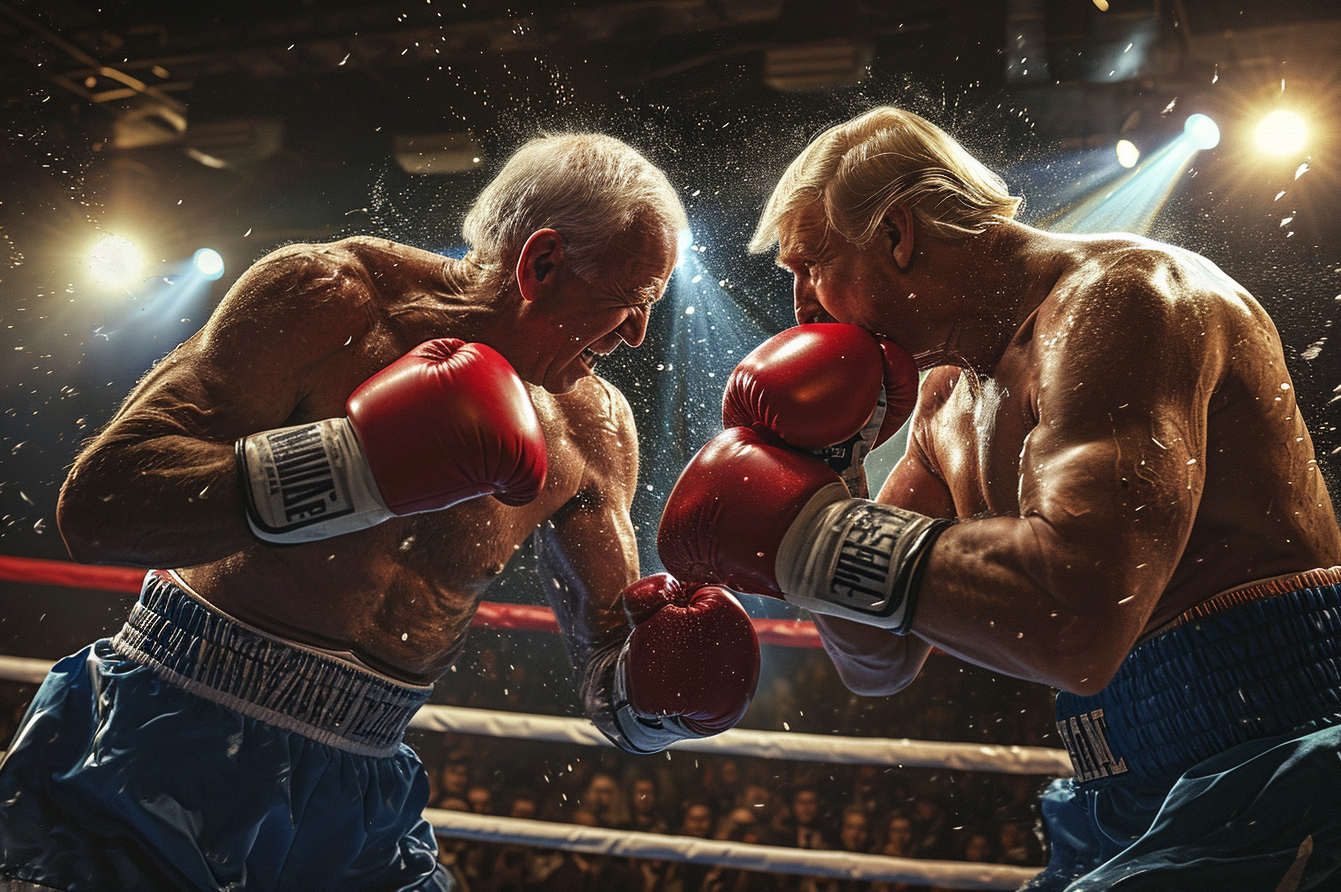
In this first prompt we asked for an ultra realistic image of a boxing match between Joe Biden and Donald Trump. You can see version 6 is miles ahead

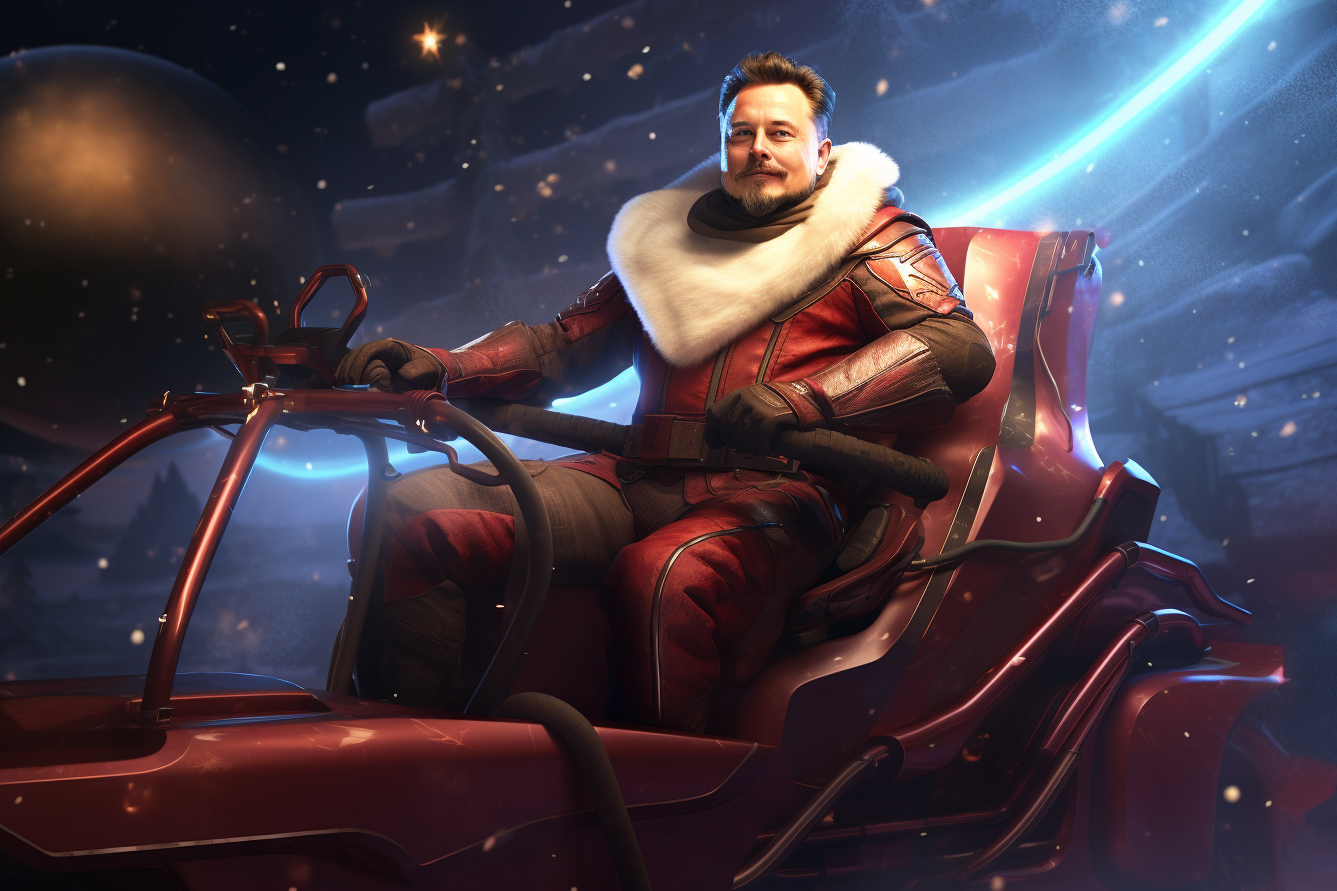
In this next prompt we asked for a close up shot of Elon Musk as Santa Claus in a futuristic sleigh. Version 5 looks like a cross between Elon and Leonardo DiCaprio. Again, version 6 Nails it. It is much better at creating real people.

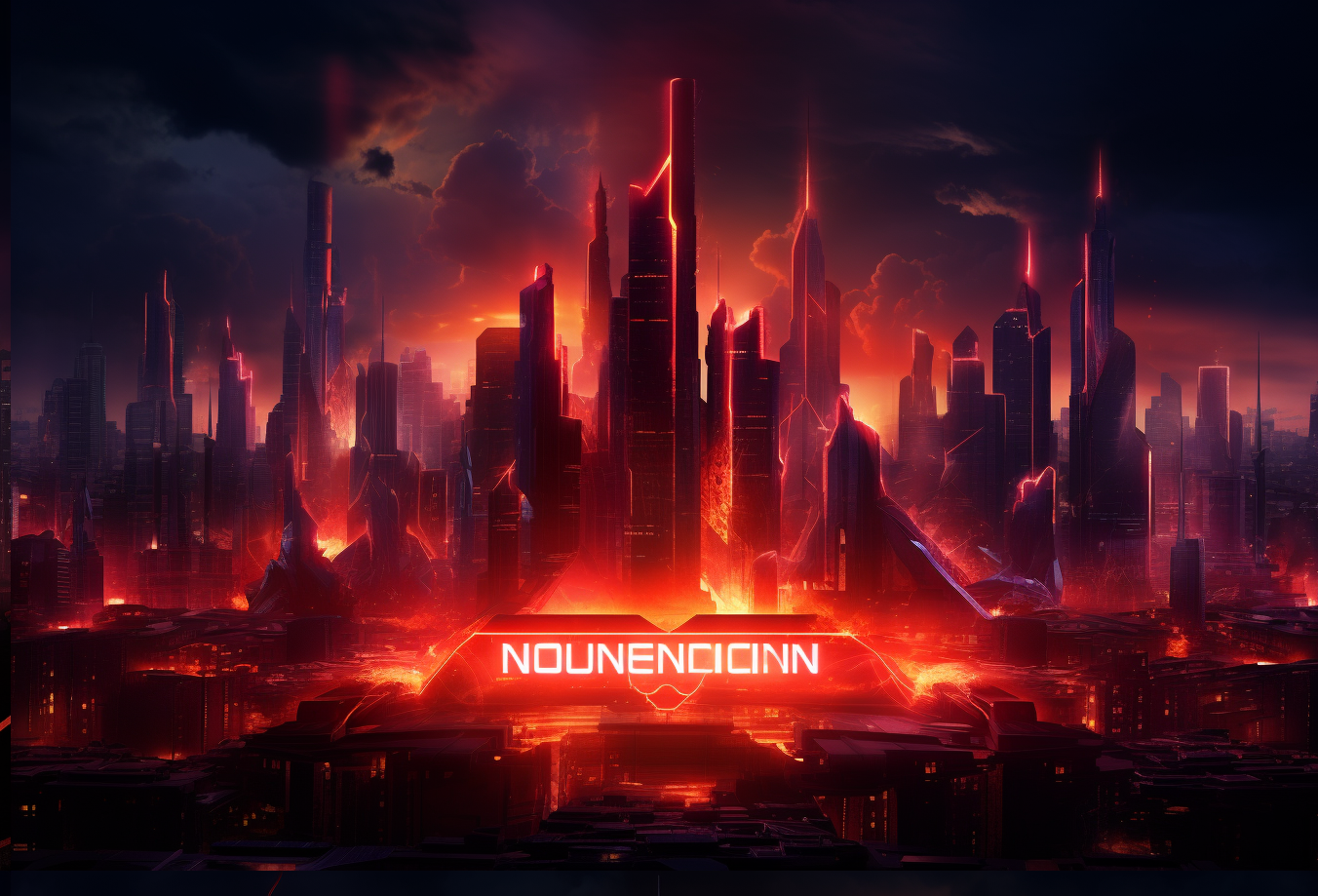
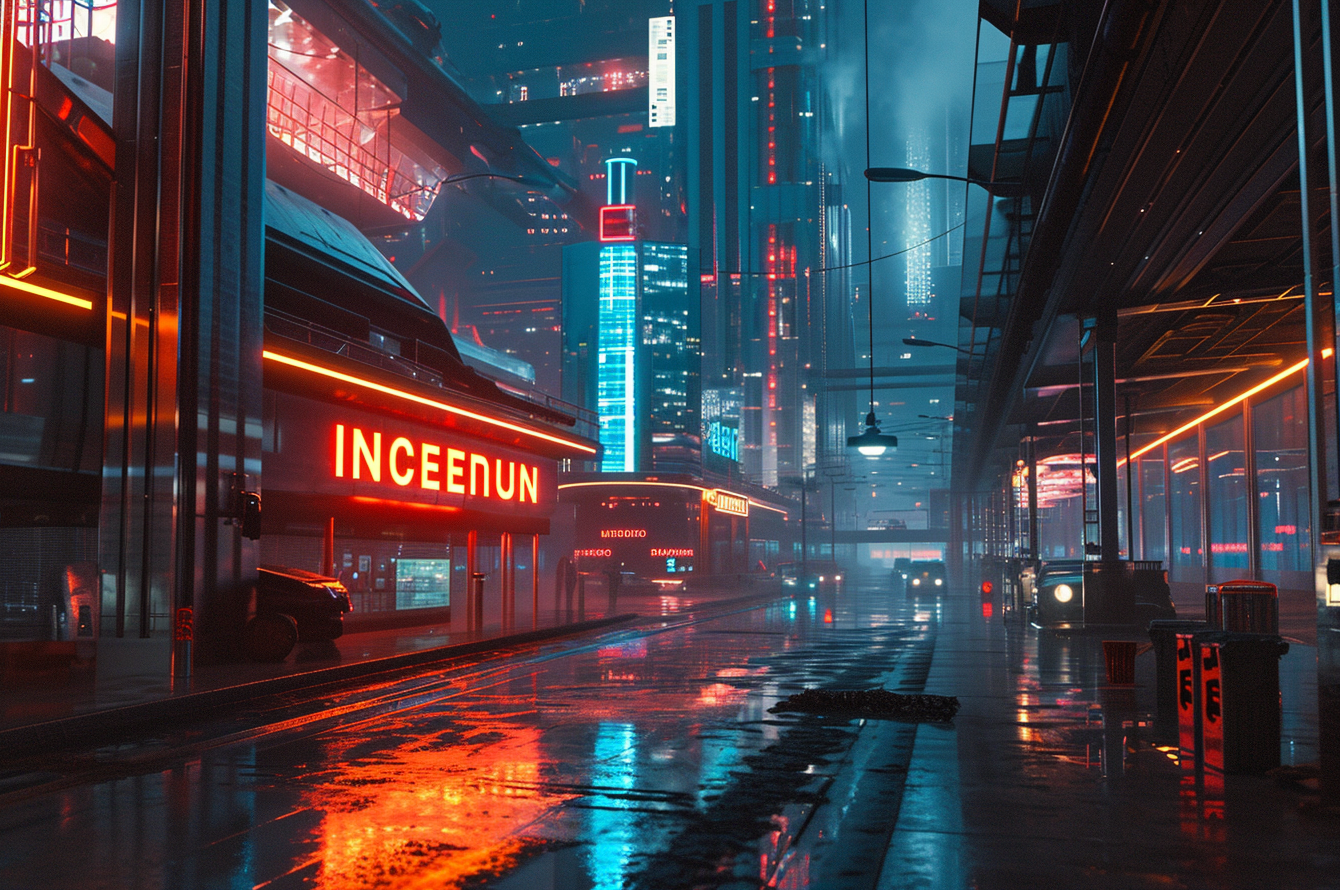
Finally, to test its text generation capabilities - which previous versions have always struggled with. We asked for a neon “Incendium” sign in a futuristic city. V5 misses the text and also didn’t really nail the rest of the image (we gave it quite a detailed prompt). V6 unfortunately still struggles with the text; it’s slightly better, but far from perfect. Although it nailed the image overall.
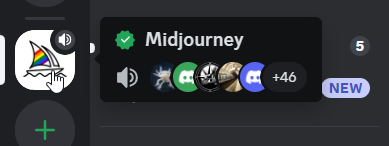
If you want to try out V6 for yourself, simply open the MidJourney chatbot in Discord:
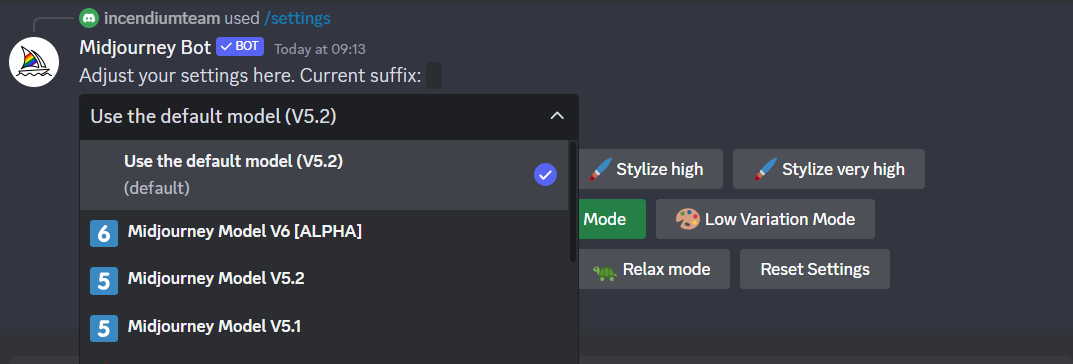
Type /settings in the chat window, and select “MidJourney Model V6 (ALPHA) from the dropdown menu:
Or at the end of your prompts, type --v 6
For more information on how to get set up with Midjourney, you can check out our previous guide to creating compelling imagery: https://www.incendium.ai/blog/harness-the-power-of-chatgpt-and-midjourney-to-create-compelling-product-imagery
- Last Updated
- December 23, 2023
- Category
- AI