


The launch of Google’s AI-Chatbot, Google Bard, in response to the likes of Chat GPT and Bing Chat, enables you to create engaging, accurate and persuasive content using the too. Bard helps you bring your ideas to life and boost productivity - while saving a huge amount of time. But the multimodal capabilities of this innovative tool don’t stop there: you can create a functional website from a simple prompt. Here’s how.
Go to http://bard.google.com
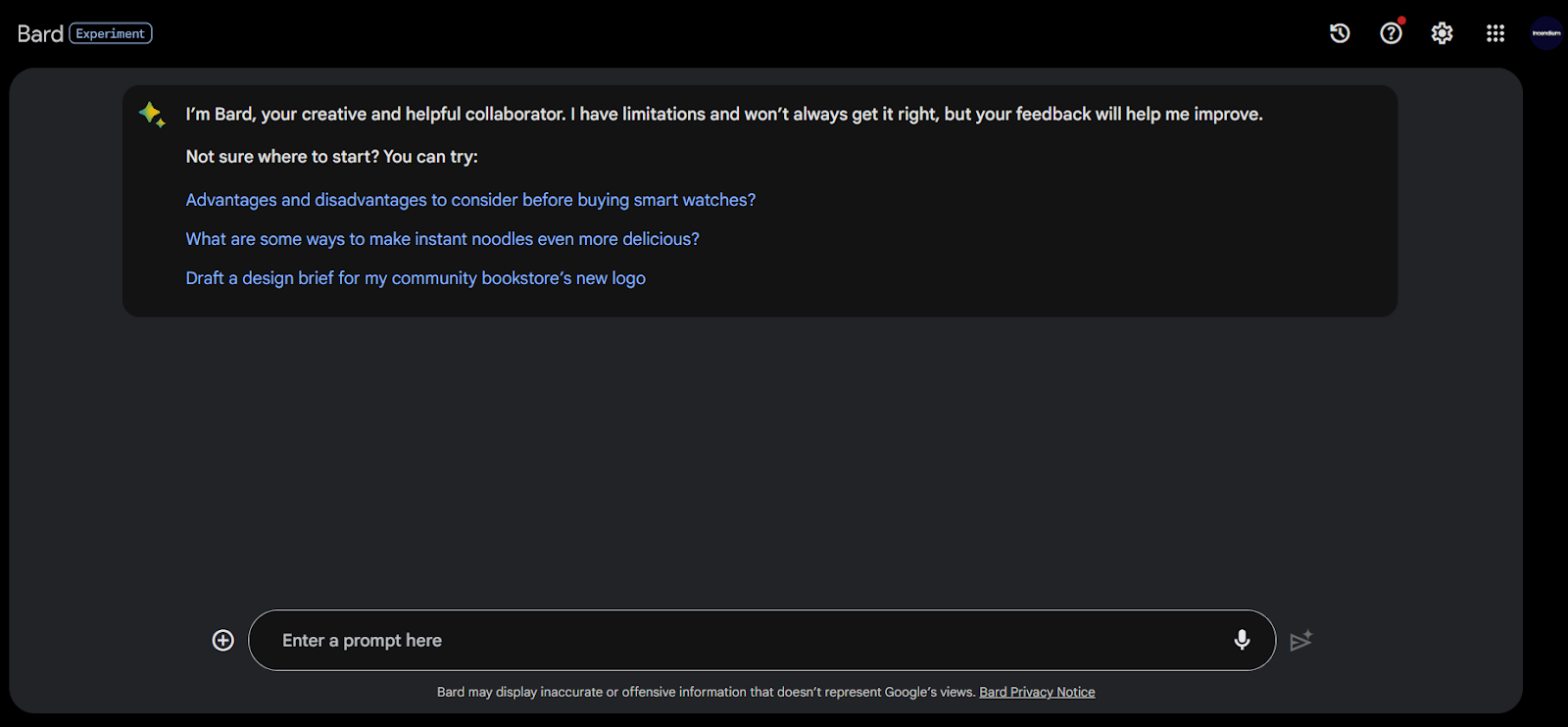
Click the “+” icon at the bottom and upload an image of your sketch (JPEG, PNG or WebP) and write your prompt.
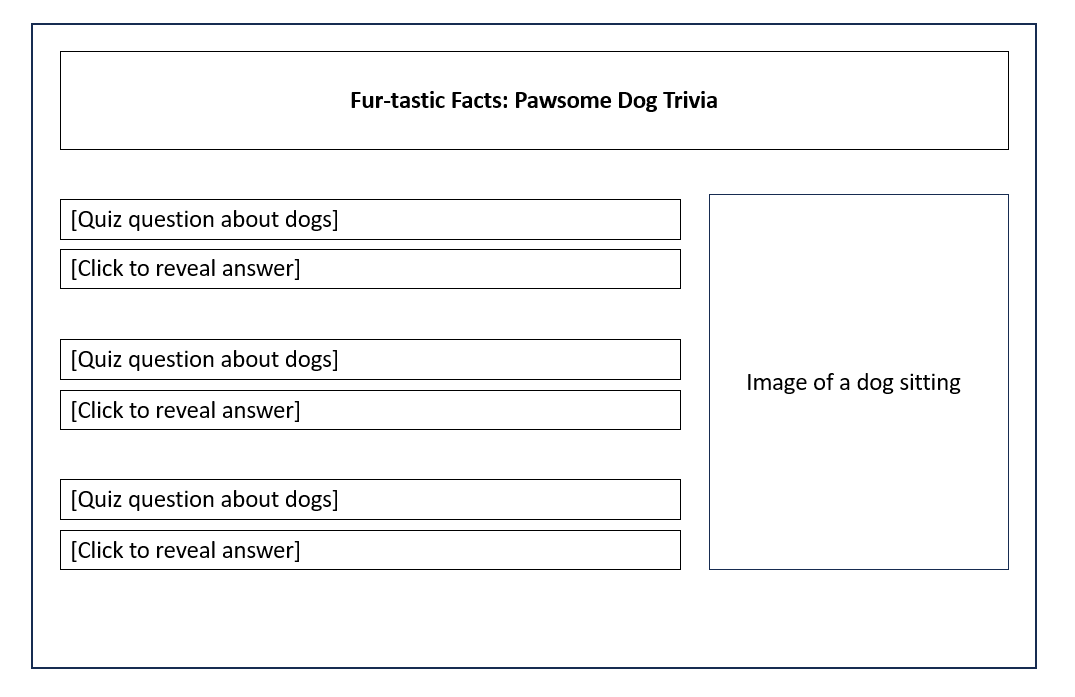
Our prompt:
“Write a brief HTML/JS to turn this mock-up into an eye-catching website. Replace the quiz questions with real questions and answers about dogs”.
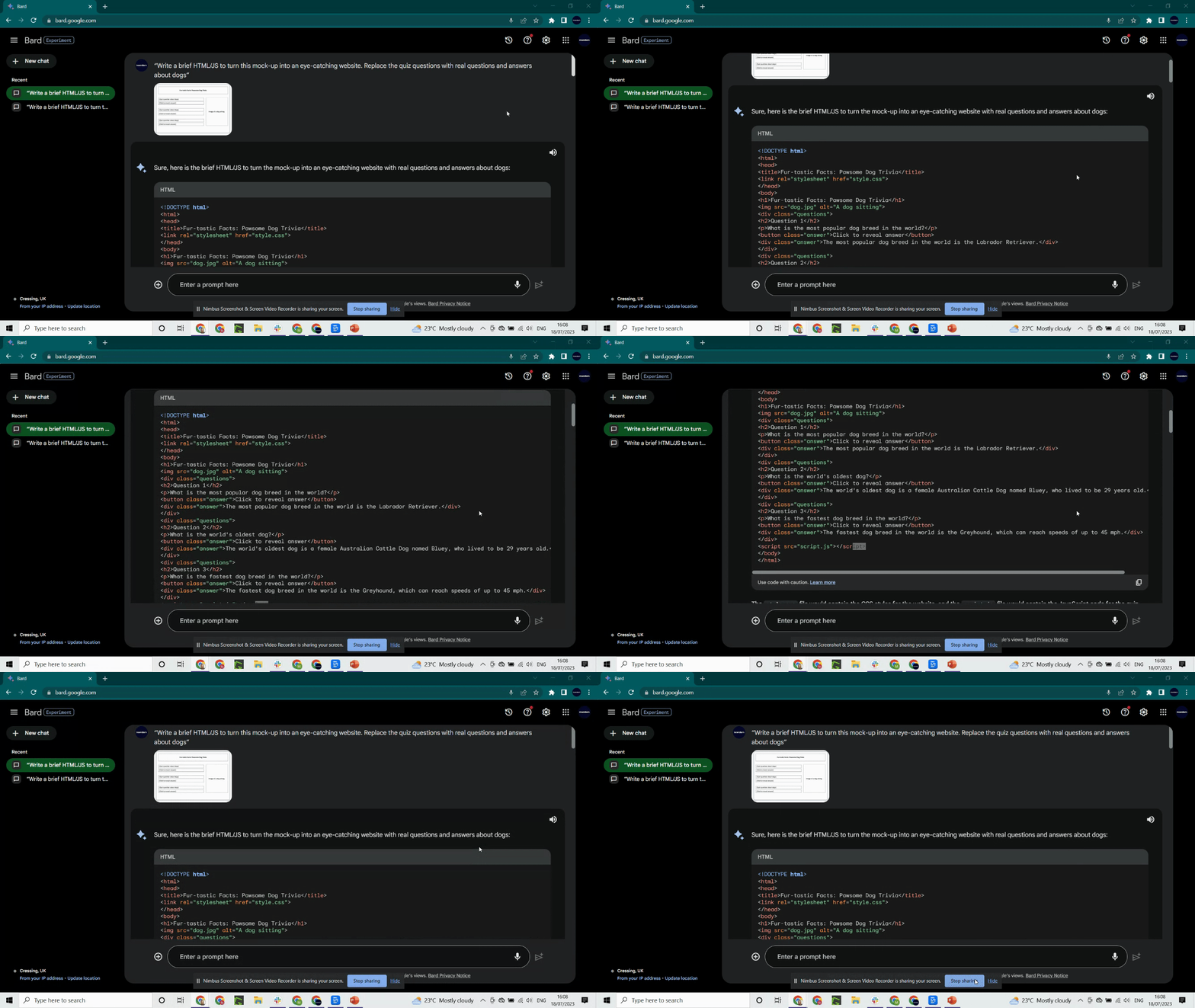
You might not get the results you want on your first attempt. Bard gives you another two options: click “View other drafts” or you can regenerate the output by clicking the Refresh icon on the right.
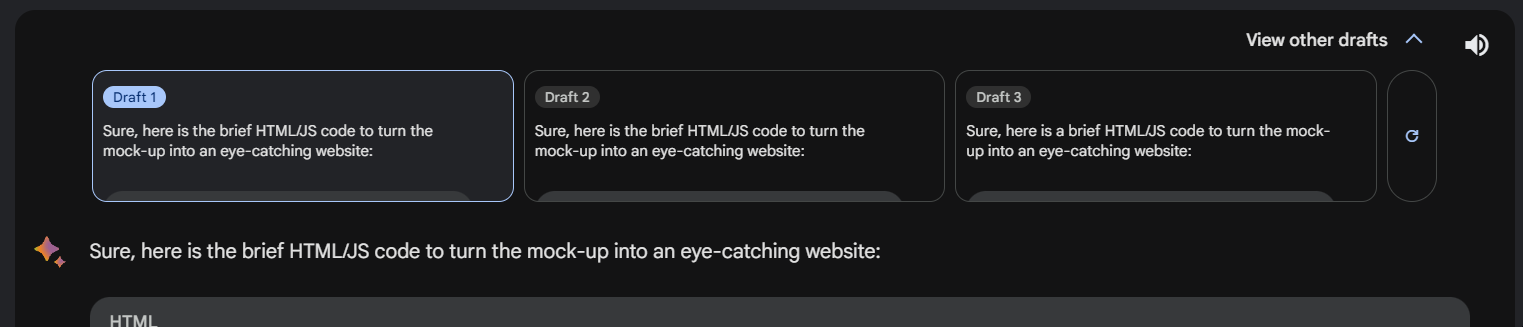
You can also provide additional prompts:
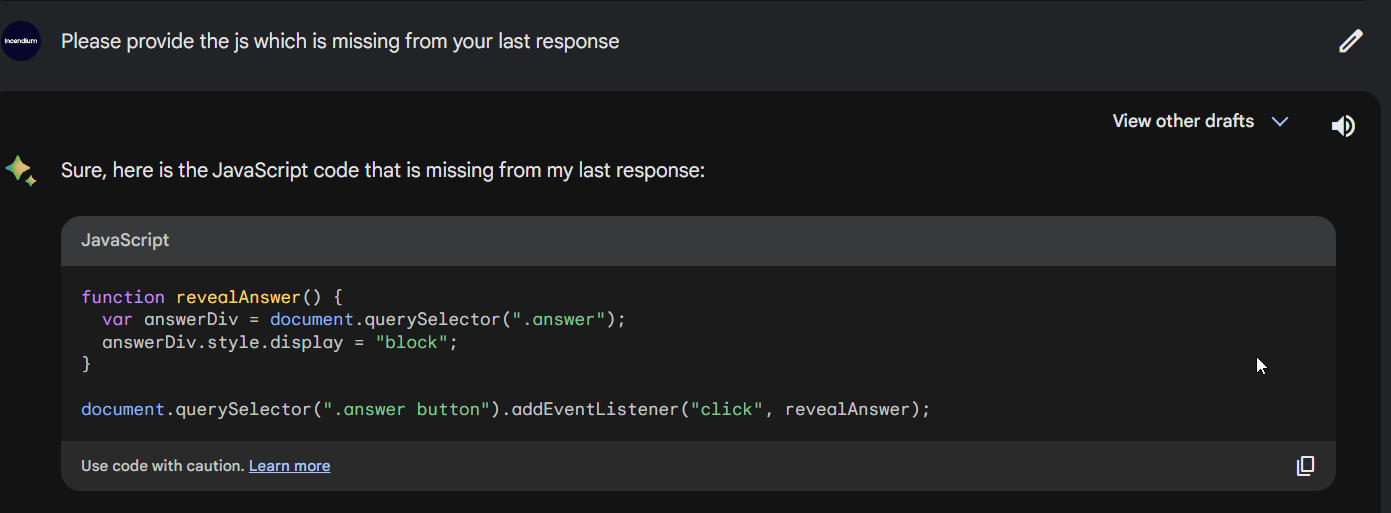
You can change something specific by simply submitting a second prompt. We asked for a colour change and for a correction to the hidden text:
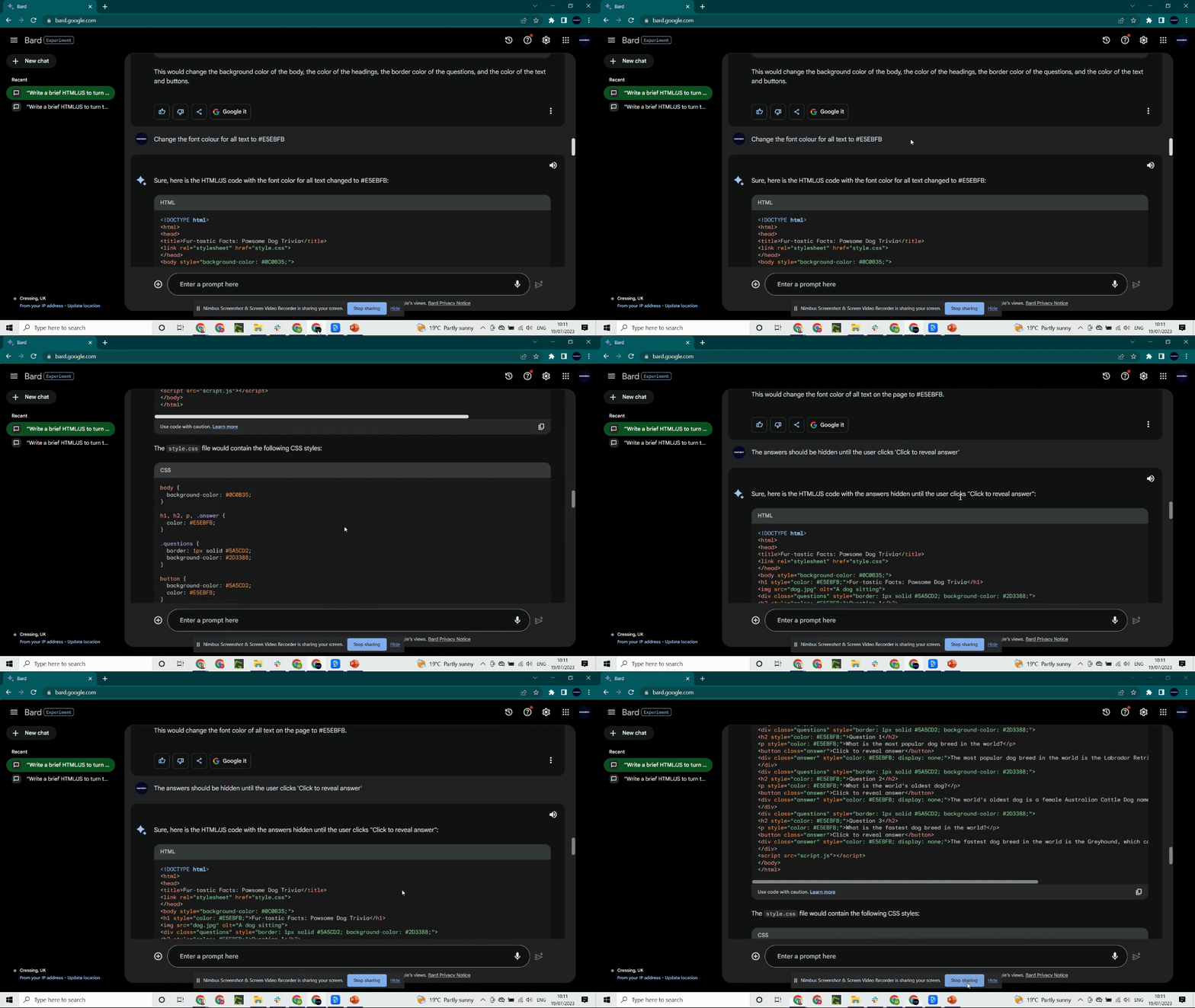
Once you’re happy with the code, run it by copying the HTML code into a text editor (or a text file) and name it e.g. [dogtriviasite].html
That’s all there is to it! Check out the final site:
Learn more about Bard’s capabilities and how it compares to ChatGPT here or subscribe to the Incendium blog for the latest in marketing tips, analytics and industry news.
- Last Updated
- July 19, 2023
- Category
- AI