
Audience Comparison overview
Select audience groups and compare their headline behaviour and outcomes.
Updated 9 August 2026Compare groups on one measurement foundation
Audience Comparison places selected Audiences against the same Incendium sessions, engagement, conversions and revenue definitions. This makes differences easier to interpret than comparisons assembled from separate platform exports.
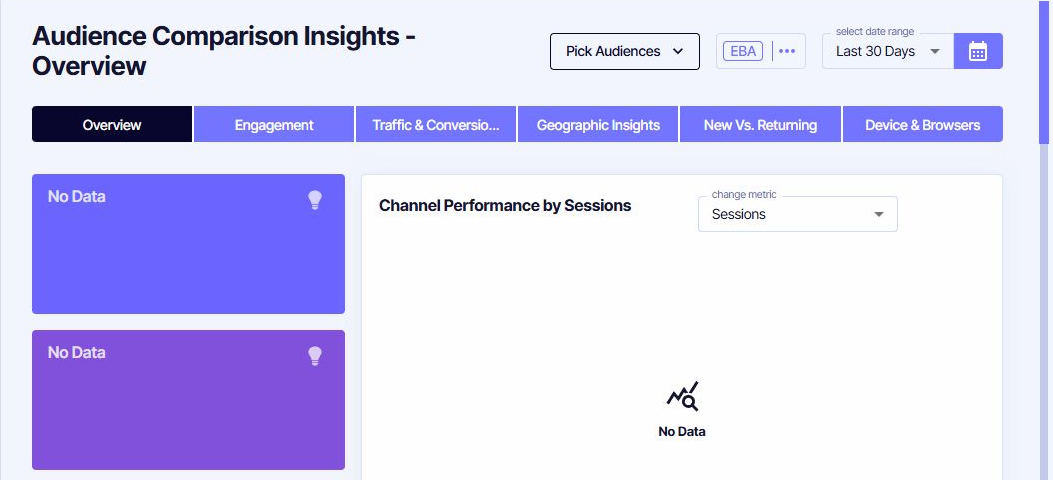
Set the comparison first
Pick Audiences
Select groups that answer the same business question. Avoid placing many unrelated Audiences in one view merely because they are available.
Set the date range
Choose a period long enough to produce meaningful samples and account for recent changes to Audience definitions.
Review the EBA control
Use the Effective Behaviour Analysis context consistently when comparing engagement-based measures.
The Overview combines Channel performance, sessions and effective sessions, Conversion and Interaction averages, Audience composition, primary marketing-channel statistics, ROAS/LTV measures and new-versus-returning composition.
Choose the tab that matches the question
Compare effective visits and device-level engagement.
See which Locations, Interactions and days distinguish the groups.
Compare countries, regions and cities.
Separate acquisition from repeat behaviour.
Find technical context behind performance differences.
Interpret differences carefully
Always check Audience size, composition and definition before treating a difference as an effect caused by membership. Audiences may overlap, and a high-value rule can select people because they already converted. Use the report to identify patterns and questions, then validate the explanation with the relevant journey, campaign or test.