
Traffic Audit
Inspect how real landing-page visits have been classified into Traffic Channels.
Updated 9 August 2026See how Incendium classified real traffic
Traffic Audit shows the landing page, assigned Channel, source, referrer and session count for traffic recorded in the selected date range. Use it when a source appears in the wrong Channel, when traffic remains unclassified, or before changing a Channel rule.
This is the evidence layer behind the Channel setup: rather than guessing from a rule definition, you can inspect how the current taxonomy handled actual visits.
Choose the level of URL detail
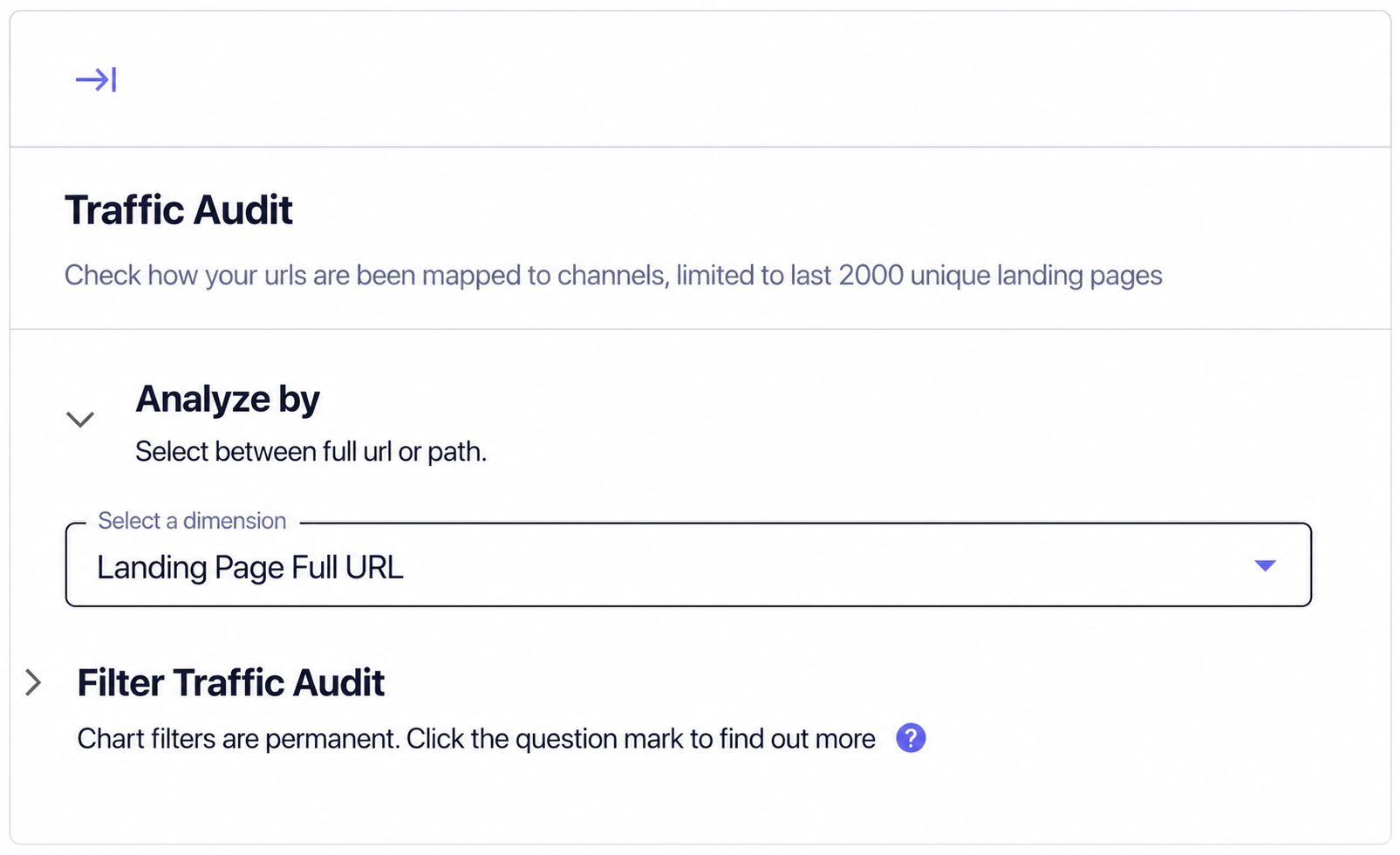
Includes the complete landing URL, making query-string and campaign variants visible. Use it when a parameter may explain a classification problem.
Groups URL variants around the page path. Use it when query parameters would fragment one landing page into many rows.
The audit is limited to the most recent 2,000 unique landing pages in scope. Narrow the date range or use a focused filter when the page you need is outside that set.
Read the audit table
- Landing Page identifies where the session began.
- Channel is the result of the cascading Channel rules.
- Source is the incoming source value Incendium evaluated.
- Referrer shows the referring website where one was available.
- Sessions shows the volume represented by that row.
Compare the source and referrer with the expected Channel. If the Channel is wrong, first check whether Source Consolidation or a Source Category changes the value used by the rule, then review rule order and conditions.
Use filters carefully
Open the settings control to filter Traffic Audit by a selected dimension, operator and value. These chart filters are persistent: they remain part of the audit configuration until changed or removed.
Before investigating an empty or unexpectedly small table, check the selected date range, URL analysis mode and any saved Traffic Audit filter.