
Source Categories
Maintain reusable source groups used by Traffic Channel rules.
Updated 9 August 2026Reuse source groups across Channel rules
Source Categories collect known source values into reusable families such as Search, Social, Shopping and Video. Channel rules can reference the category instead of repeating a long list of providers in every rule.
That makes the taxonomy easier to maintain: when a new search engine or social platform appears, adding it to the relevant Source Category can improve every Channel rule that uses that category.
Create a Source Category
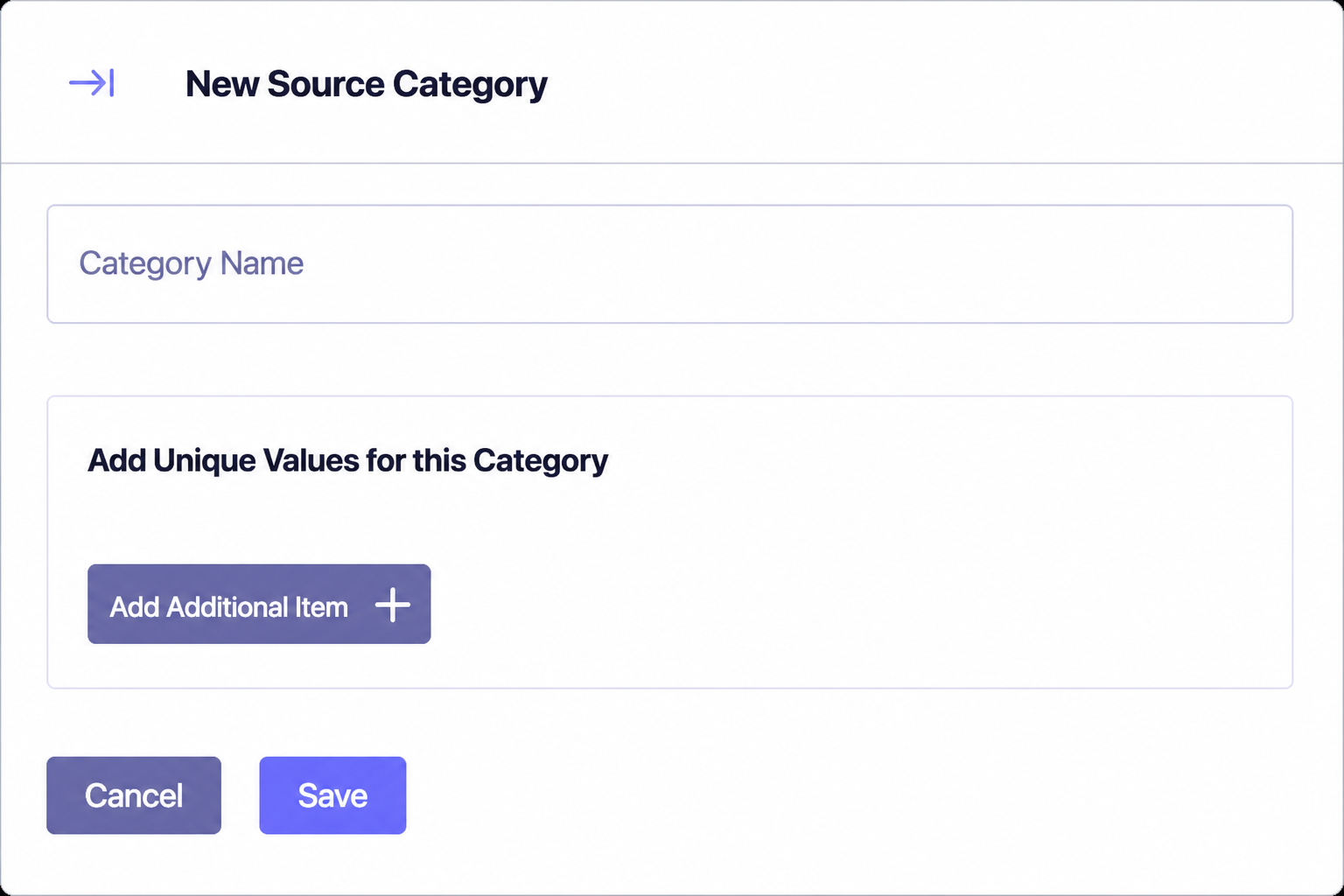
Choose New Source Category
Open the Source Categories tab and select New Source Category.
Name the family
Use a durable classification such as Search or Social, not a temporary campaign name.
Add each unique value
Select Add Additional Item for every source value that belongs to the family. Use the source spelling shown in Traffic Audit or the unmatched-source diagnostics.
Save the category
Save stores the category; Cancel closes the form without creating it.
Edit without broadening rules accidentally
The Source Categories list shows every category and its values, with controls to edit or delete the grouping. Before removing a value, check which Channel rules use the category. Before adding one, confirm that the source really has the same acquisition meaning as the rest of the family.
A Source Category supplies a reusable rule input. Paid versus organic intent can still be decided by the Channel rule using medium, campaign or another condition alongside the category.